• Ace Video Converter
  • Download
  • Features
  • Products
    • Any Media Player
    • Quick YouTube Downloader
    • Video2MP3
  • Upgrade
  • Tutorials
    • Getting Started
    • Downloading Videos
    • Ripping Audio
    • Ripping DVDs
    • Playing Videos
    • Changing the Language
    • Upgrading to PRO
  • Support

Playing Videos

Play Video
If you want to play or preview your videos before you convert them, you will need:
  • Ace Video Converter
  • Some Videos
  1. Open Ace Video Converter and add some videos that you want to play.
  2. Then select the video by single clicking on it and click 'Play File' on the blue ribbon.
  3. Ace Media Player should then open and play the file.
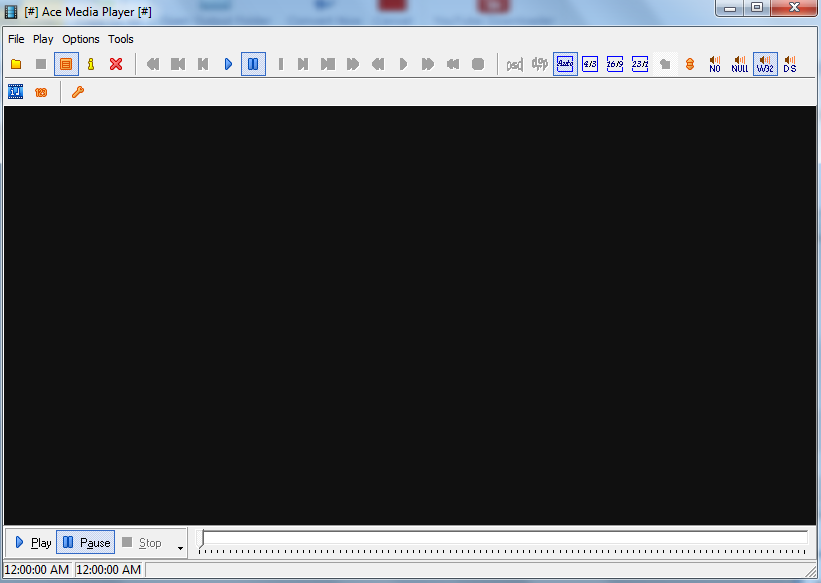

Ace Video Player

Upgrade to Pro
PayPal
Tweet
YouTube Downloader | Video2MP3 | Ace Media Player | Ace Video Converter
Copyright © 2013 Ace Video Converter. All Rights Reserved.